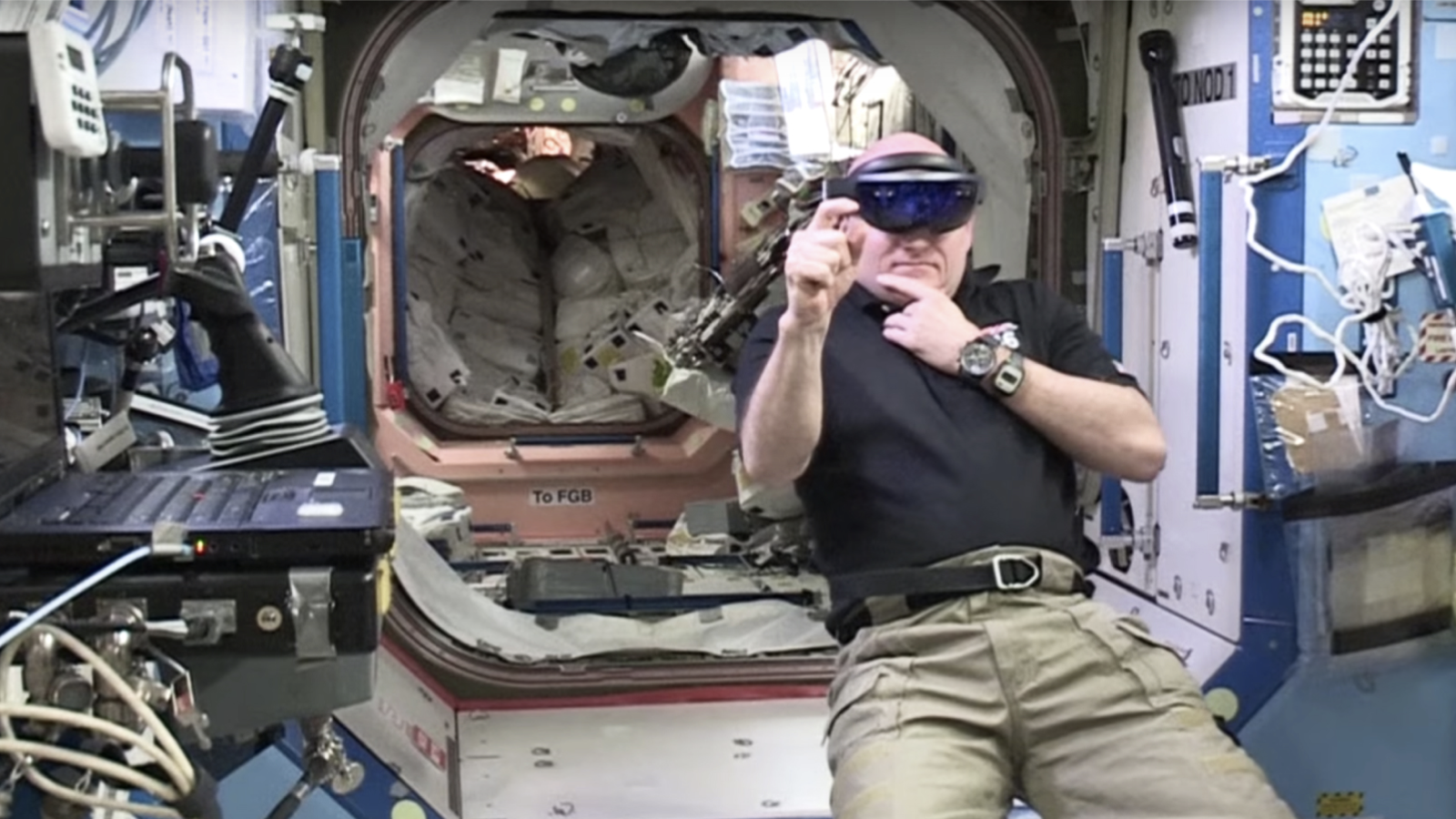
Austin S. Lee
Samsung
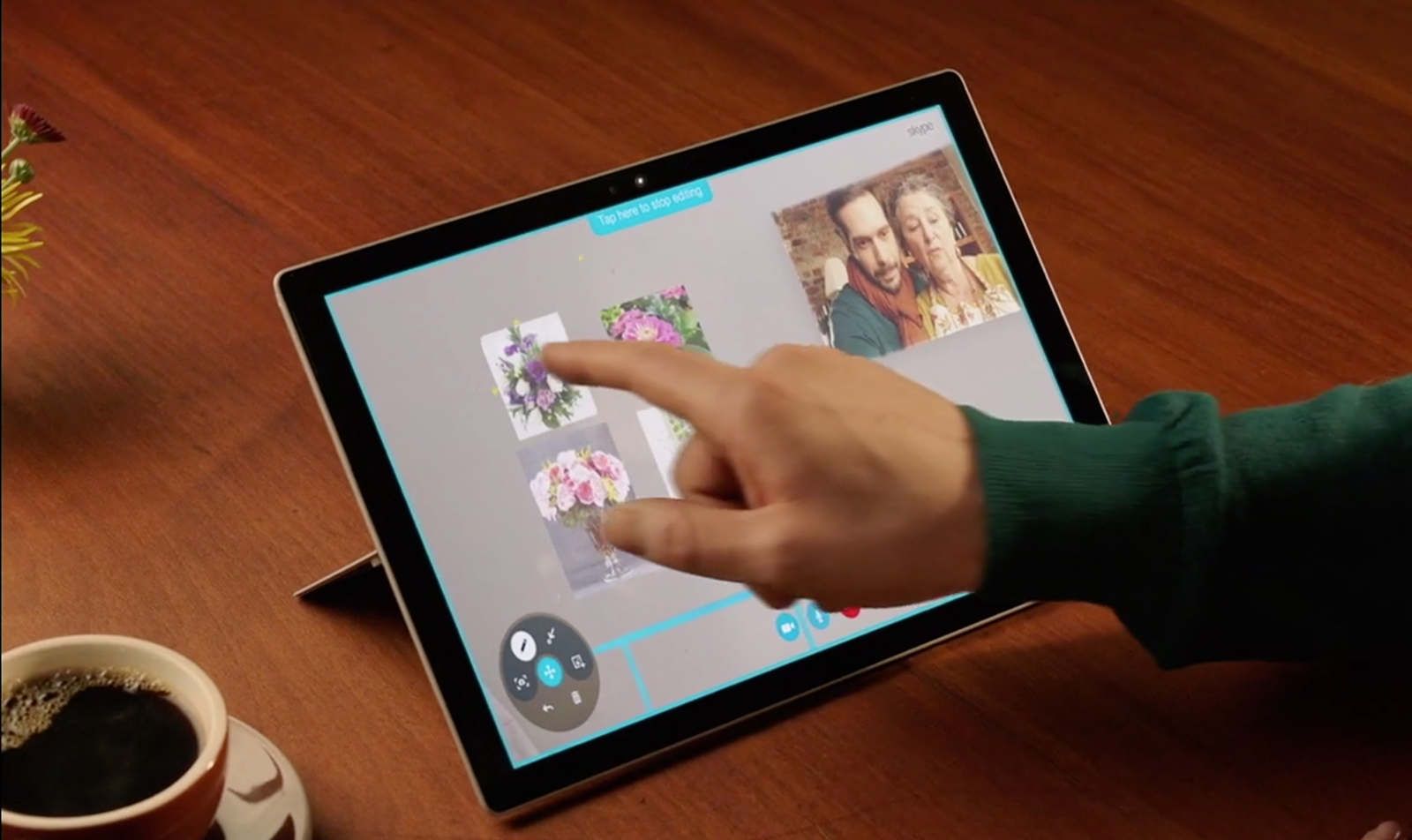
My team were responsible for building the companion experience for remote participants and collaborating with the Windows Holographic team for the native app.
After the slow death of Skype at Microsoft and its core technologies into the Microsoft Teams family, this product lives on as ~Remote Assistance for Dynamics 365~, no, wait, ~Dynamics 365 Remote Assist~ - hang on — Dynamics 365 Field Service.
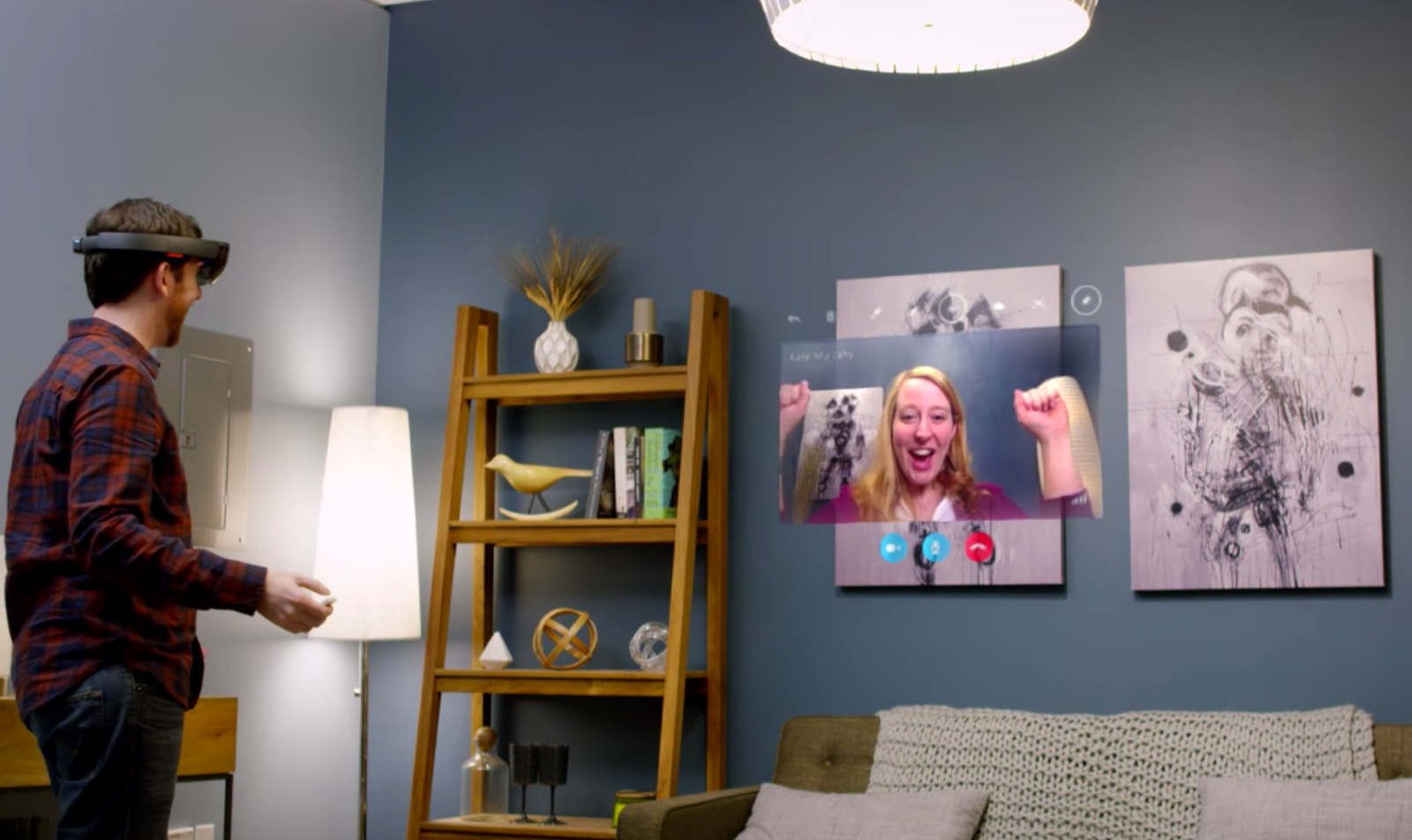
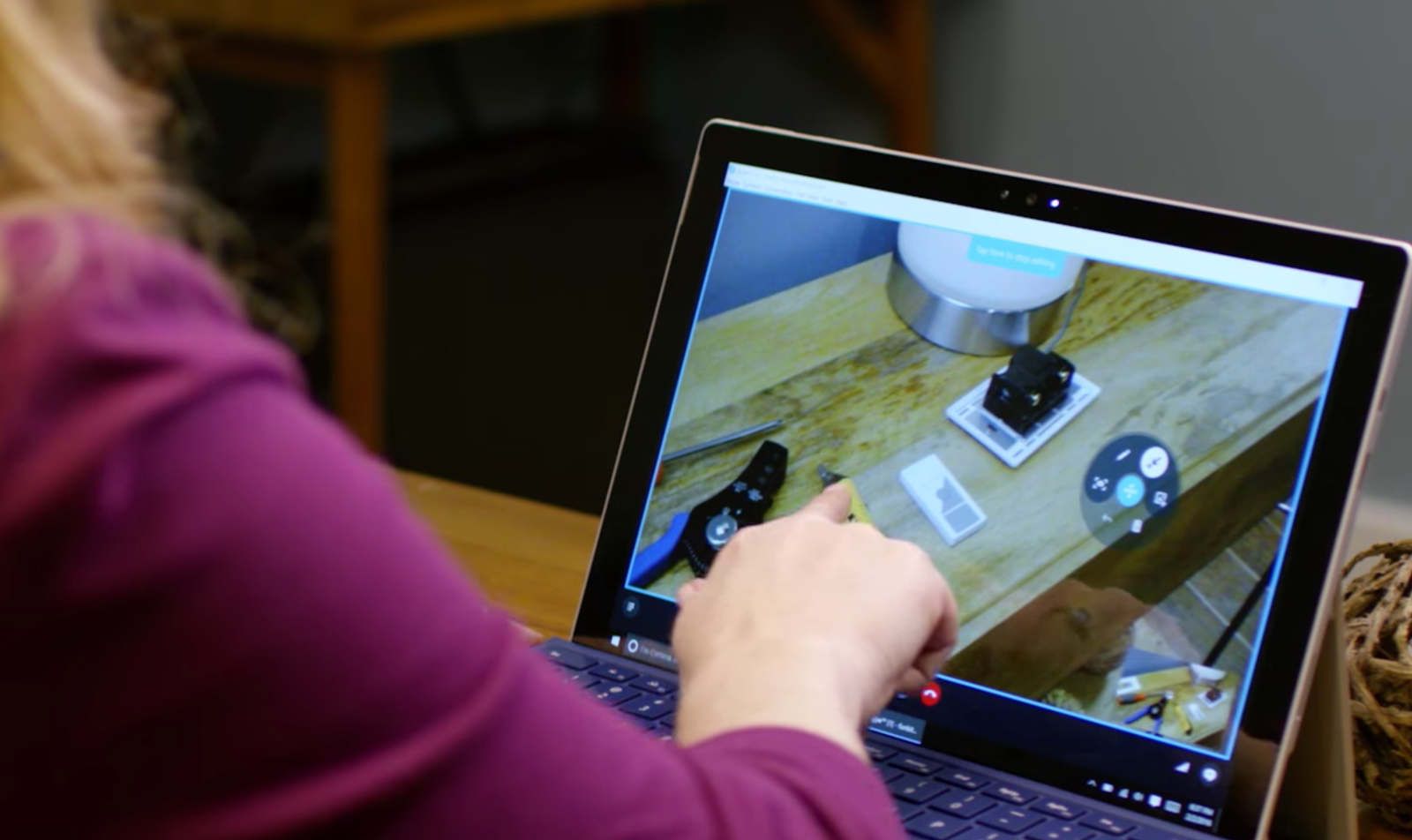
While the holographic version of the application served as a showcase for permitting the user to share their Mixed Reality experience with a third party, many of the design challenges were around how Windows users joining the HoloLens user could interact with a 3D space on a 2D input plane.
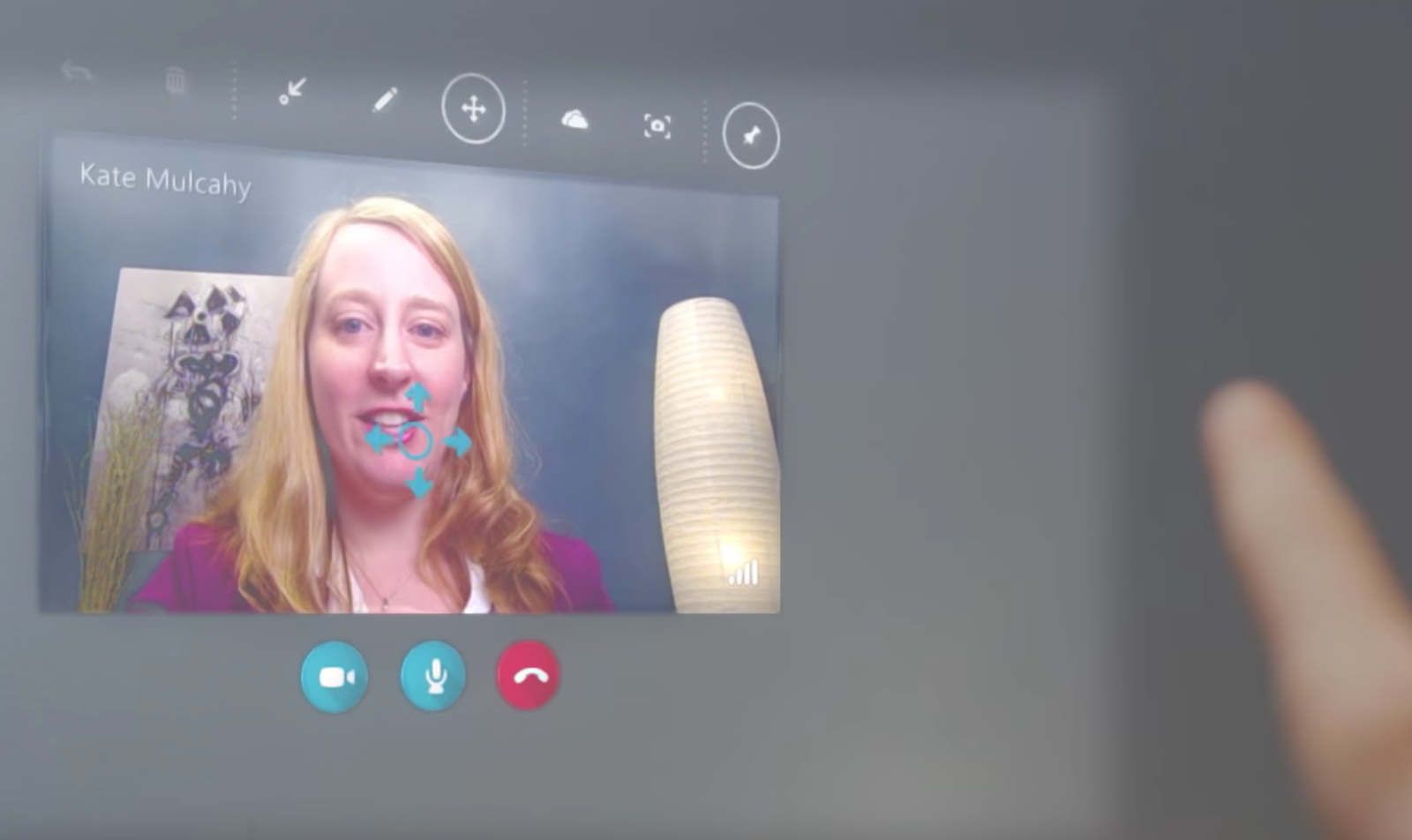
Within the Holographic UI, care was taken how to consider the use of the Skype brand and ‘flat’ design within a 3D space.
For example, I created an early prototype in Framer to get a sense of rendering gaze and hover states for call controls on a physical surface while using the Skype in-house icon style.